Your agenda as an advisor
On this page
If you are a platform advisor, you have your own screen with the sessions people booked with you. You sign in with the account you created from the invitation email.
Before you start
Your account must be linked to your advisor profile. That happens when you accept the invitation. If you see a notice saying the account is not an advisor account, ask the DeusRex team to resend the invitation.
Accept the publication authorization
The first time you open My sessions you will see the Authorization to publish your profile card at the top. It is your permission for DeusRex to show your profile on deusrex.io.
-
Read the full text.
-
Tick I have read and accept this authorization.
-
Press Accept authorization.
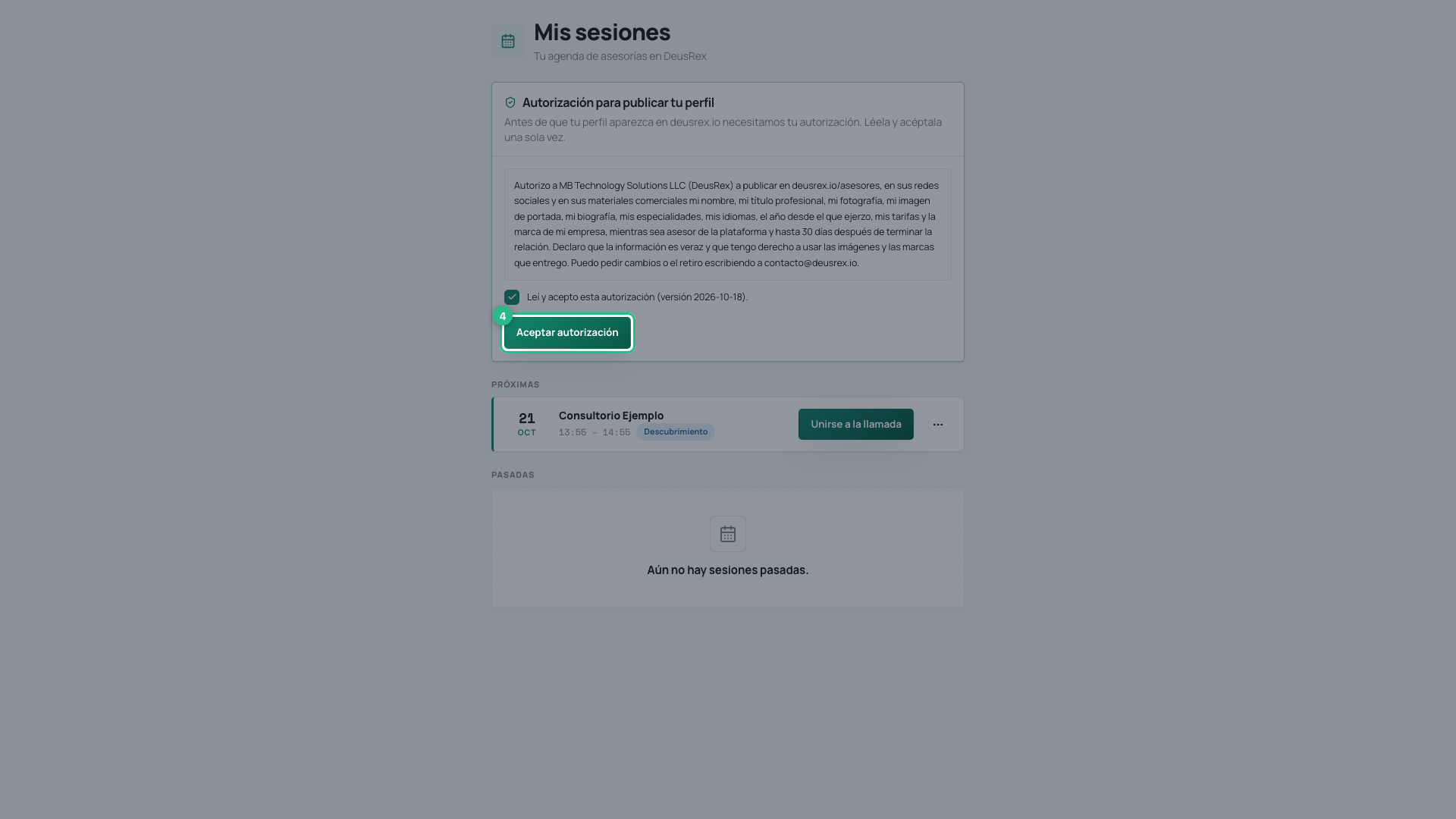
We keep the version you accepted and the date. If we change the wording later, the card comes back so you can read the new version.
See your sessions
-
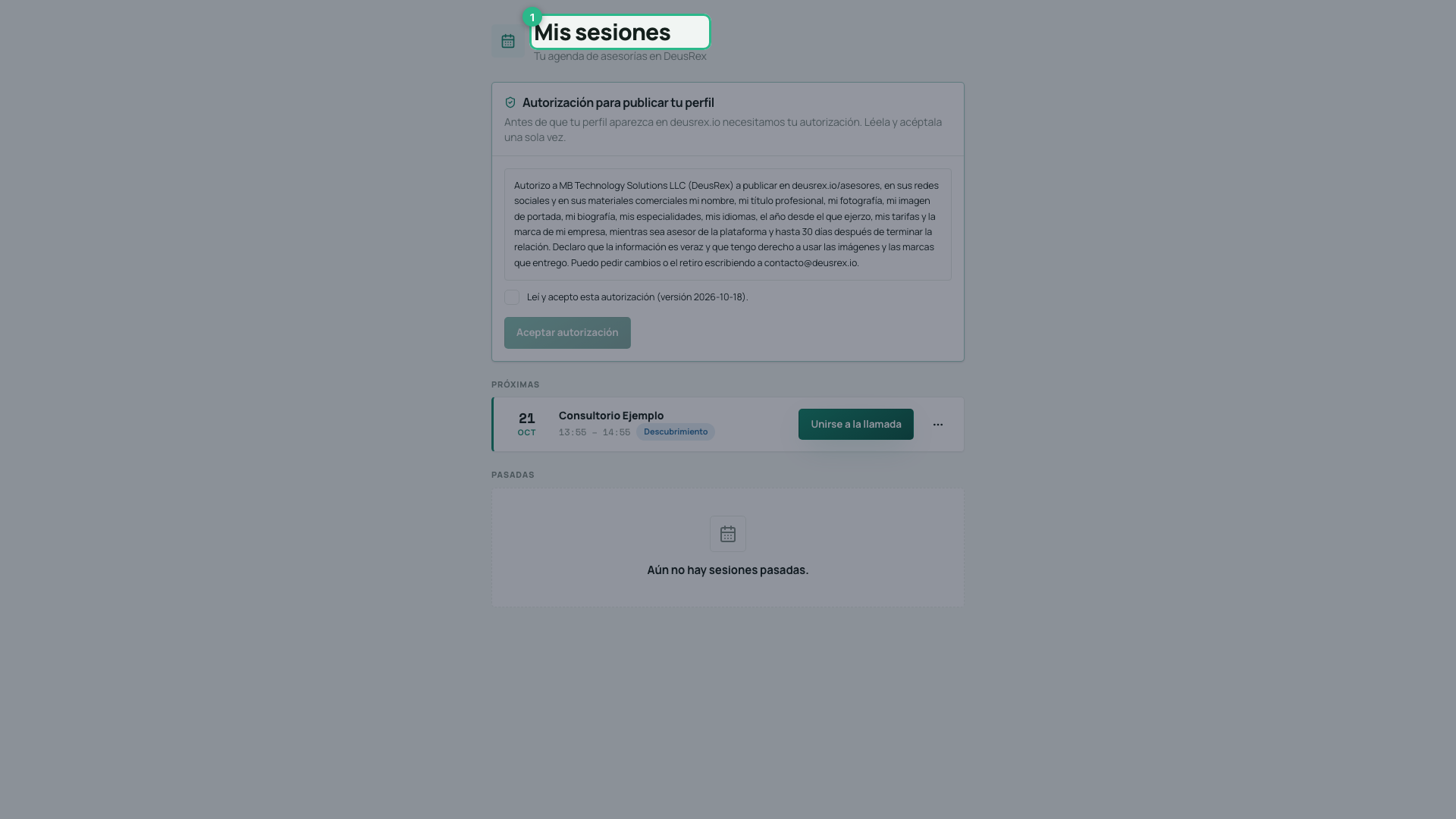
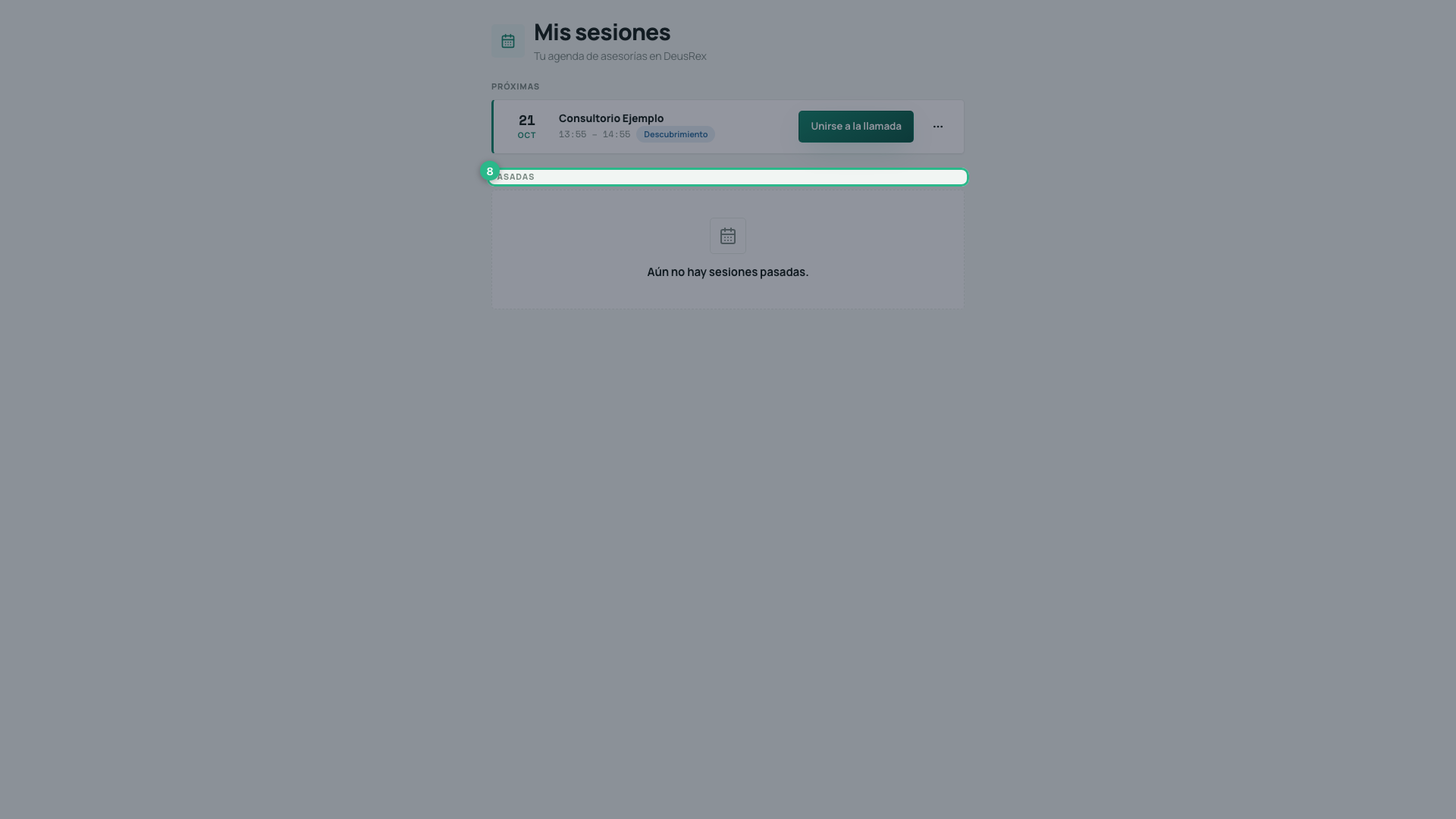
Open dashboard.deusrex.io/advisor/sesiones. You see My sessions.
-
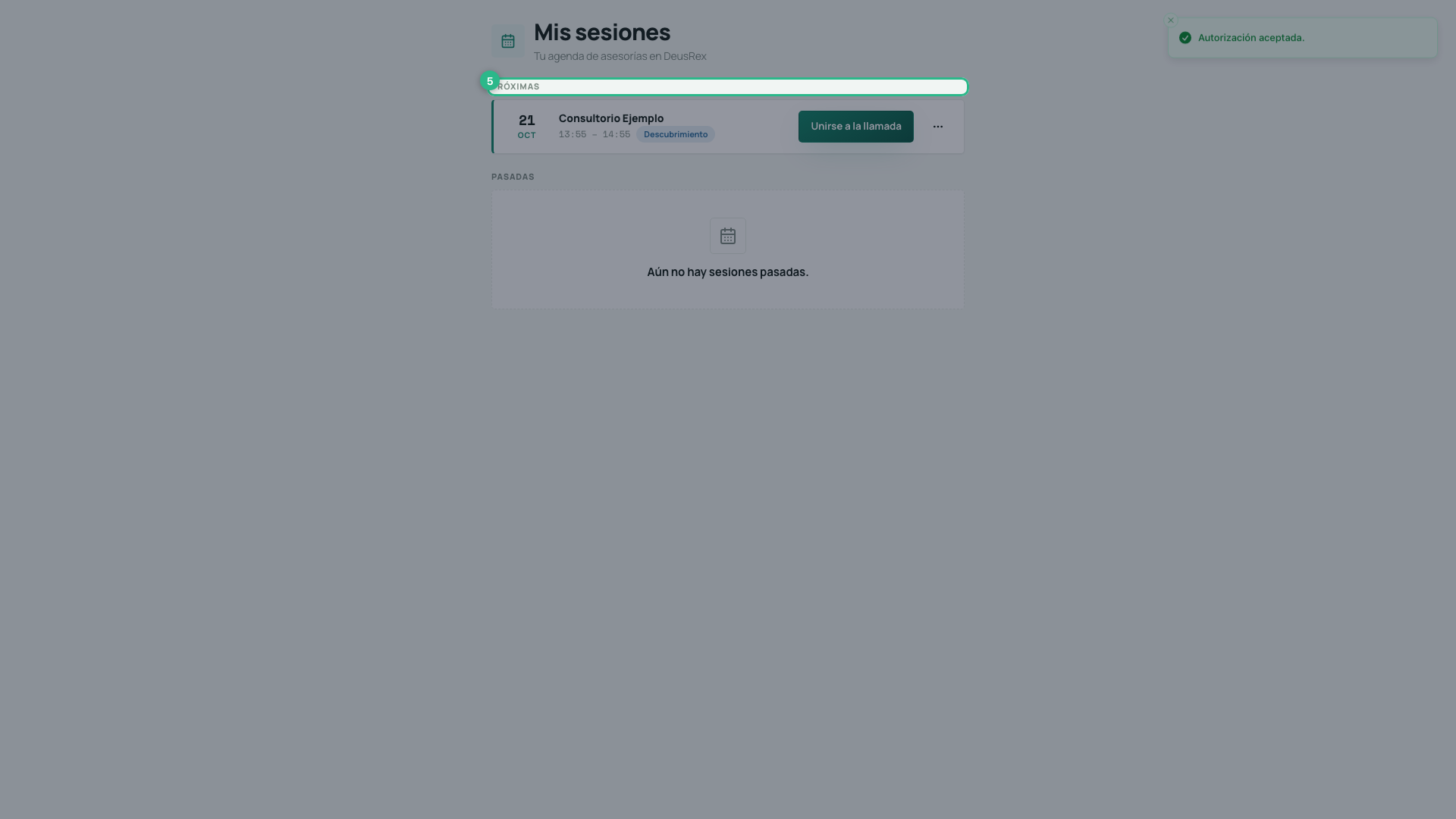
Under Upcoming, each session shows the day, the time and the type: Discovery (free, short) or Working (paid).
-
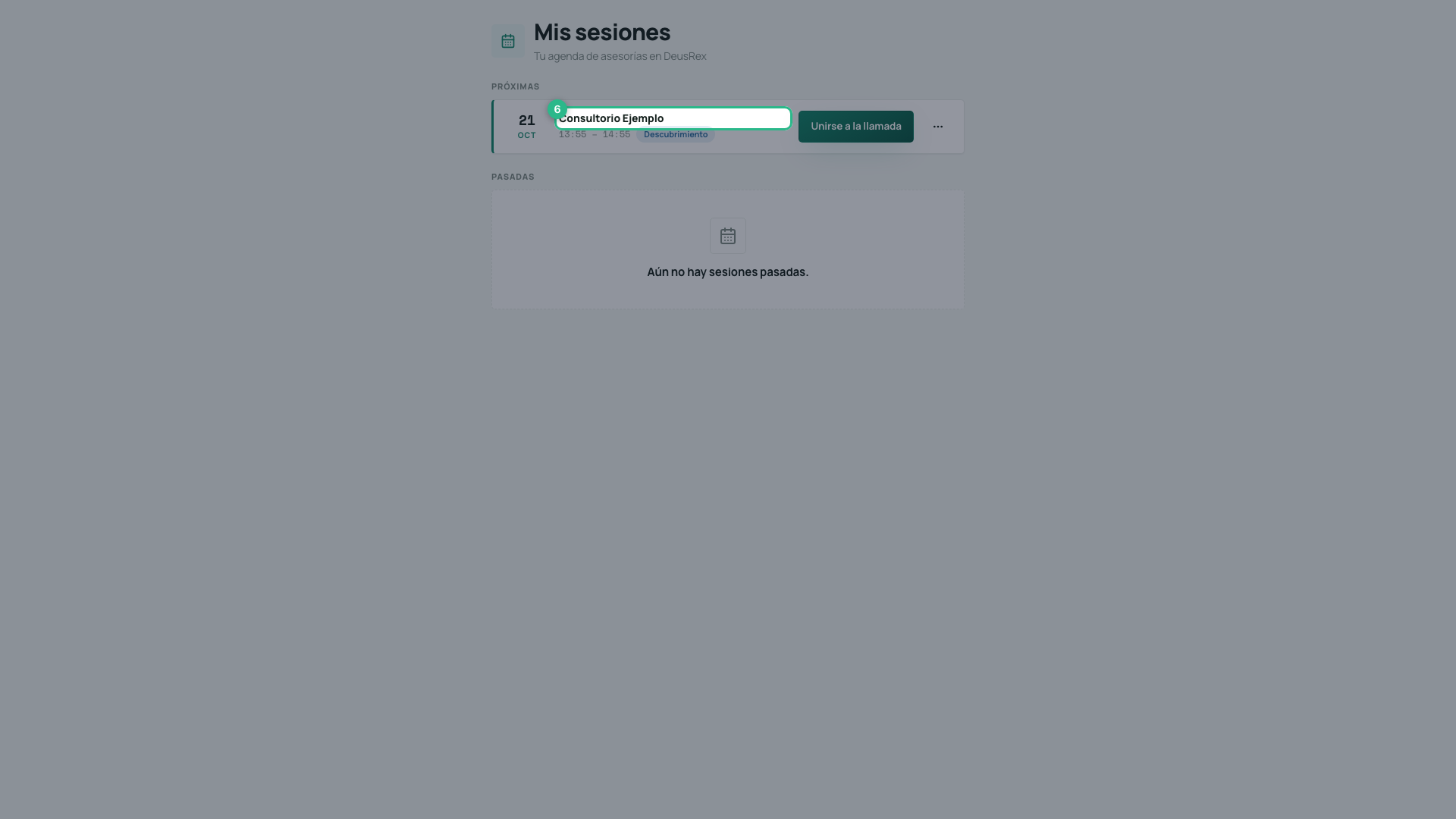
Each session shows who booked it and at what time, so you know who you are about to talk to.
-
Under Past, the sessions that already happened.
Join a call
The Join the call button turns on 10 minutes before the start time and stays on until 15 minutes after the session ends. Before that window it reads “Opens 10 min before” and cannot be pressed.
A session that has already started stays under Upcoming, not Past: if you step out of the call, the button lets you back in.
Pressing it opens the room in a new browser tab; your schedule stays open behind it. You arrive in the same room as your client: there you choose your camera and microphone, and enter. The controls are the same for both of you.
If you picked the wrong device, or plug in headphones once the session has started, press Change camera or microphone next to Leave: the change happens without dropping the call.
Who else can be in the room
Your client may arrive with someone from their organization — a partner, an assistant — using their own account. 4 people fit in total, and from three onwards the faces move into a grid where each tile carries a name. You see the companions as Team; their names are not shared with you.
If you also work in a clinic
If you are also a professional in a DeusRex clinic, you sign in with the same account and see your clinic as always. Your advisory sessions show up there too:
-
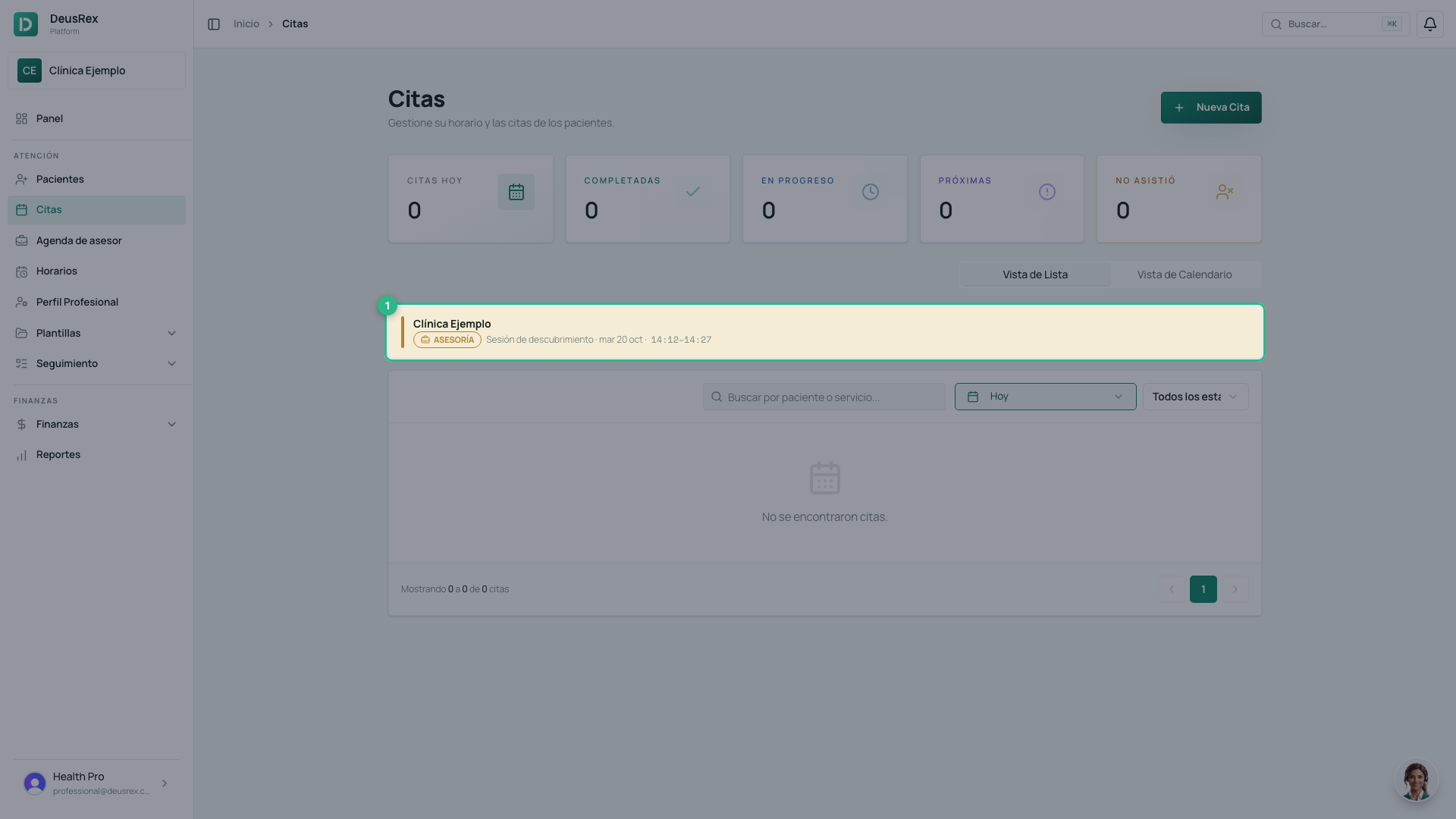
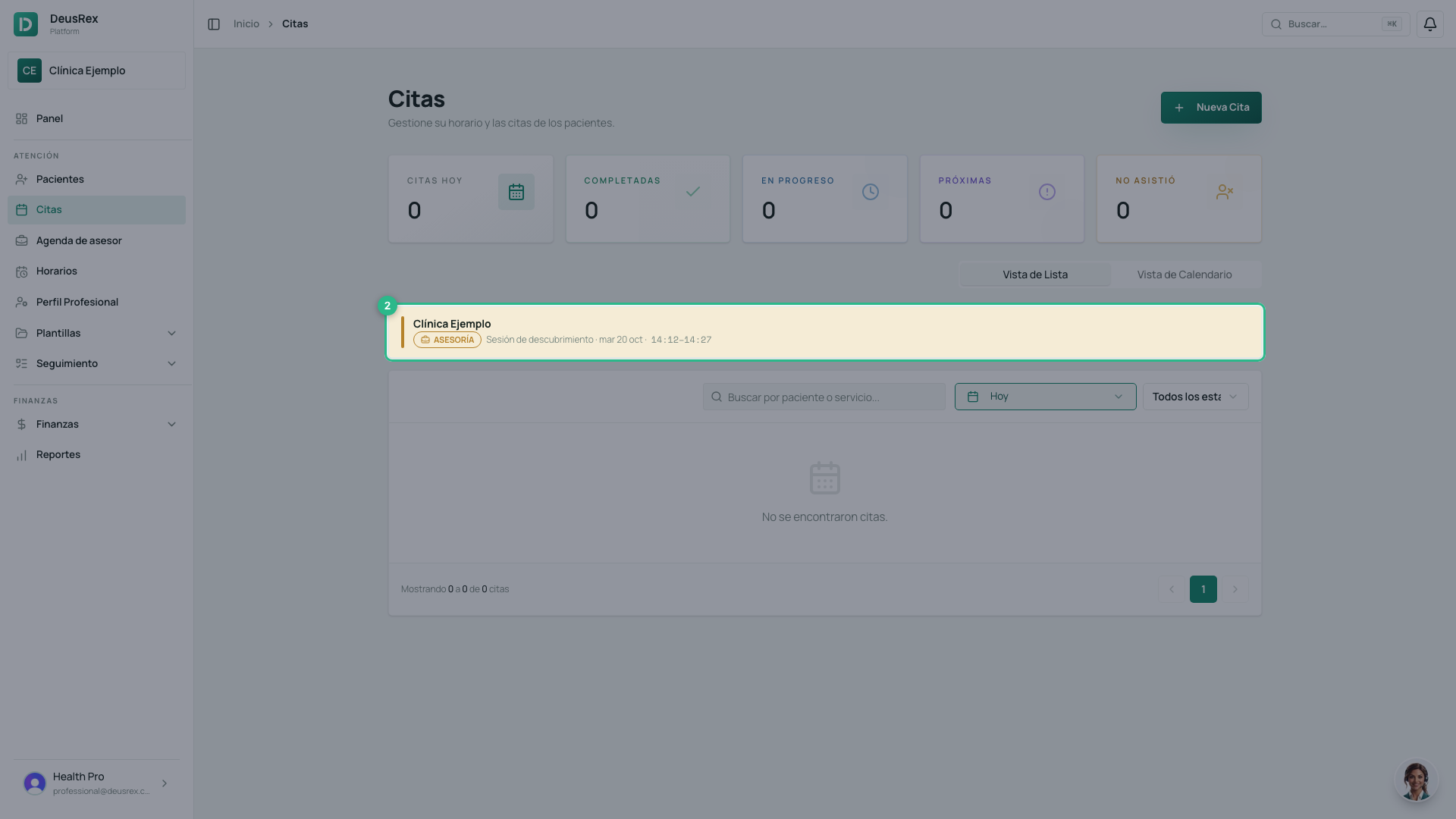
In Appointments, your upcoming advisory sessions appear at the top, in gold, tagged ADVISORY.
-
Click the session to see who booked it and from which clinic, and the Join the video call button. It opens on the same window as here: 10 minutes before and until 15 minutes after. Before that it reads Available from and the time.
-
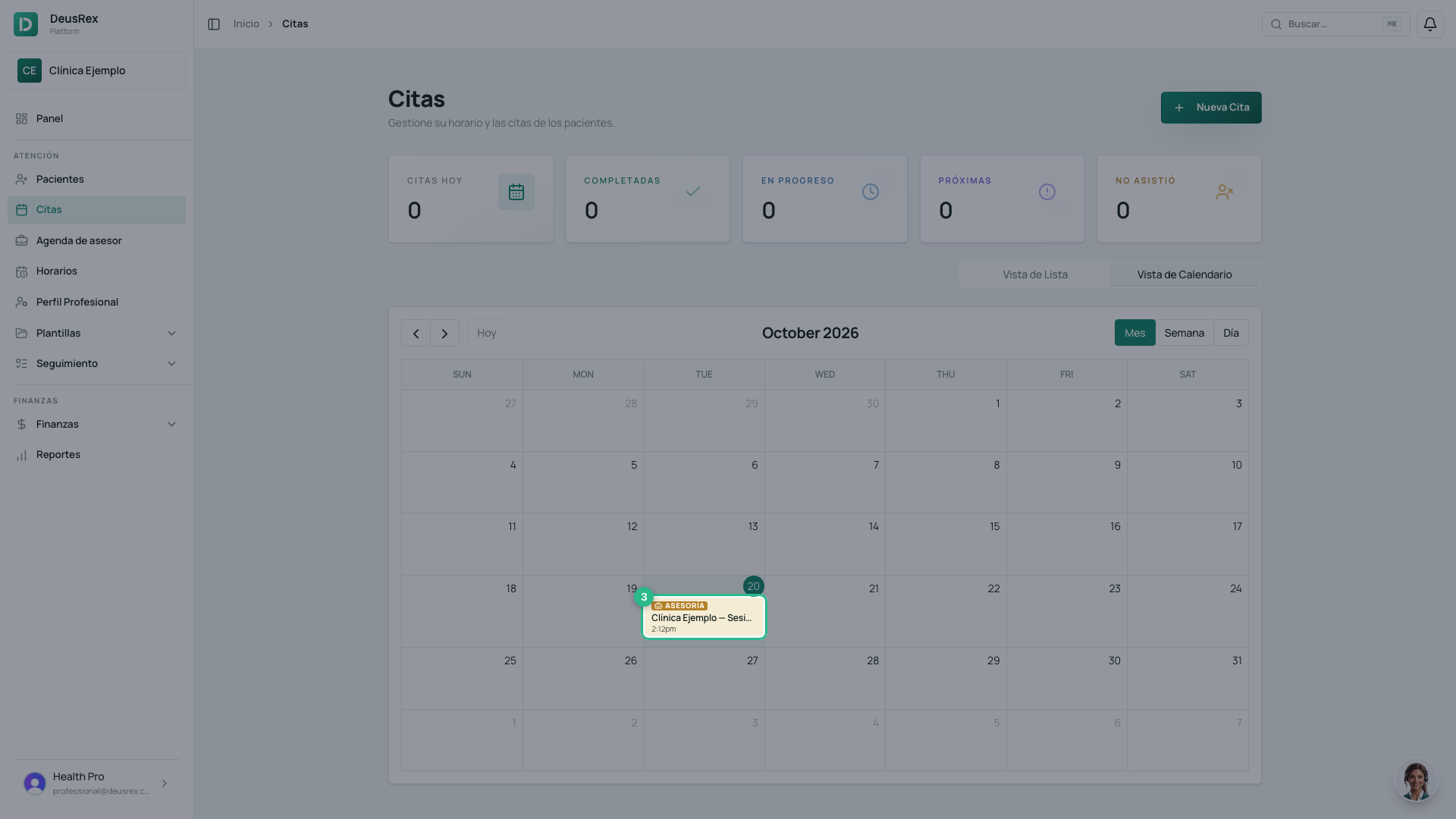
In Calendar View the session is gold too. It cannot be dragged: you cancel or close it from the session itself (step 4).
-
In the same session window, the ⋯ menu has its actions: before the start time, Cancelar sesión (cancel the session); from the start time, Marcar completada (mark completed), No asistió el cliente (the client did not attend) or No asistió el asesor (the advisor did not attend). They work as in the advisor agenda, refund included.
If you have not accepted the publication authorization yet, your dashboard shows a notice, Tu perfil de asesora no aparece en deusrex.io (your advisor profile is not showing on deusrex.io), with a Revisar y aceptar button: you accept it right there, without leaving your clinic.
Nobody can book you twice at once: an advisory session takes that time in your clinic, and your patient appointments take your advisory hours. Your clinic colleagues see that time as Busy, with no names. Your own card does not appear in Companion → Advisors: you cannot book a session with yourself.
Note
If your advisor account belongs to no clinic, you will not see a clinic’s screens: this agenda is your screen.