How to schedule an appointment
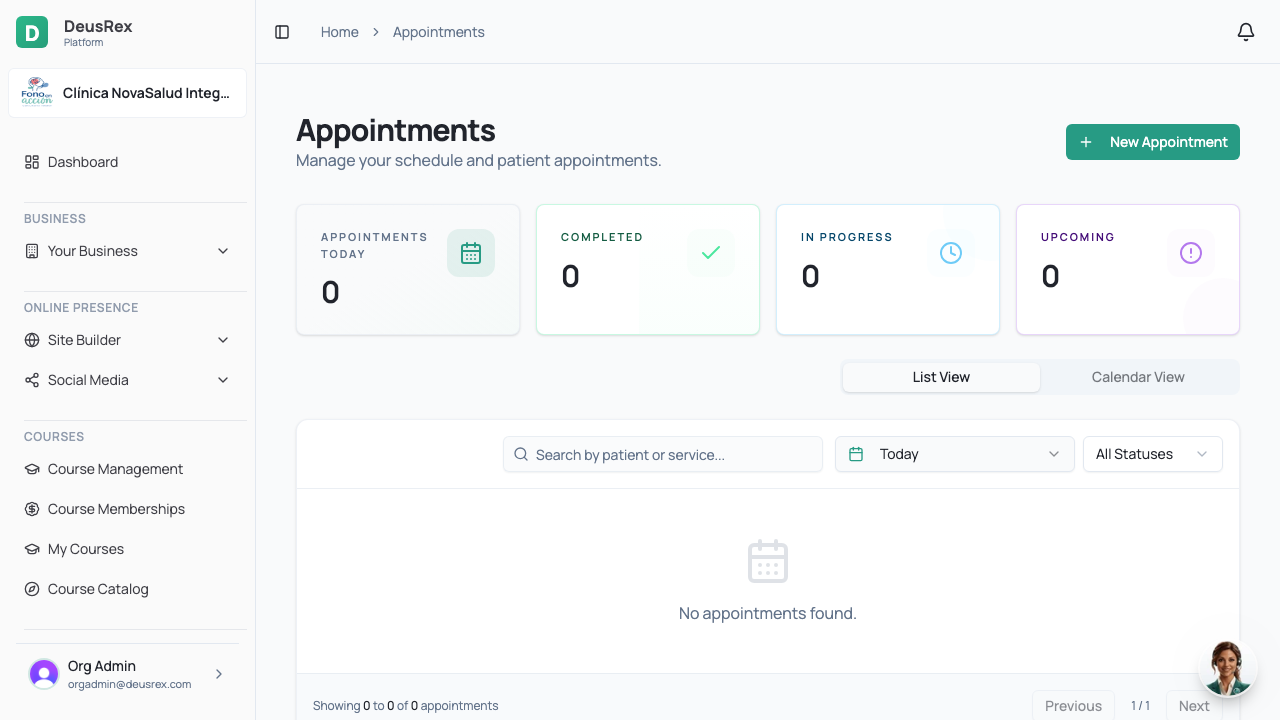
Appointments are scheduled from the agenda and are linked to a patient, a professional and a service.
Steps
- Open Agenda (or Appointments) in the sidebar.
- Click the day and time you want, or use New appointment.
- Search and select the patient. If they are new, you can create them right there.
- Choose the service — its duration defines how long the appointment takes.
- Select the professional who will attend.
- Confirm with Save. The patient gets a confirmation if they have an email on file.
On a phone the agenda opens on today, with the week across the top: tap another day or swipe the week to change date, and Today brings you back. Tap an appointment to see its actions (start, edit, cancel).
Advisory sessions on the agenda
If a professional in your clinic is also a platform advisor, their advisory sessions take time on their agenda:
- They see each session in gold, tagged ADVISORY, and open it to join the video call.
- An admin sees that time as Busy, with no names.
- That time is not offered for booking patients, and an appointment cannot be moved onto an advisory session.
Reschedule or cancel
Open the appointment from the agenda and use Reschedule to move it, or Cancel to release it. The slot becomes available again immediately.