How to sign in
Signing in takes you to your practice. Use your email and password, or the Google account you registered with.
Steps
-
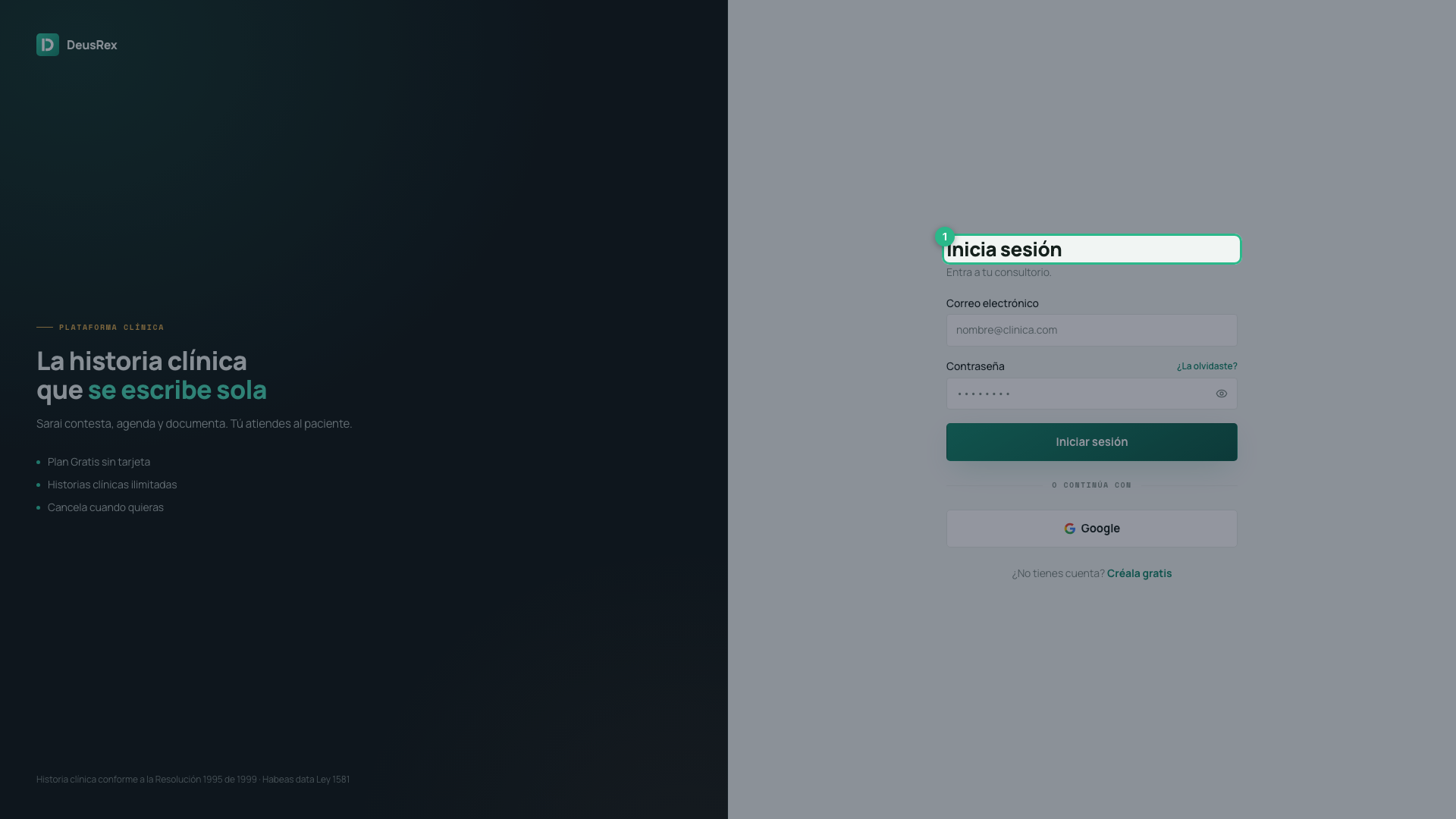
Open the sign-in page at /login.
-
Type your email address.
-
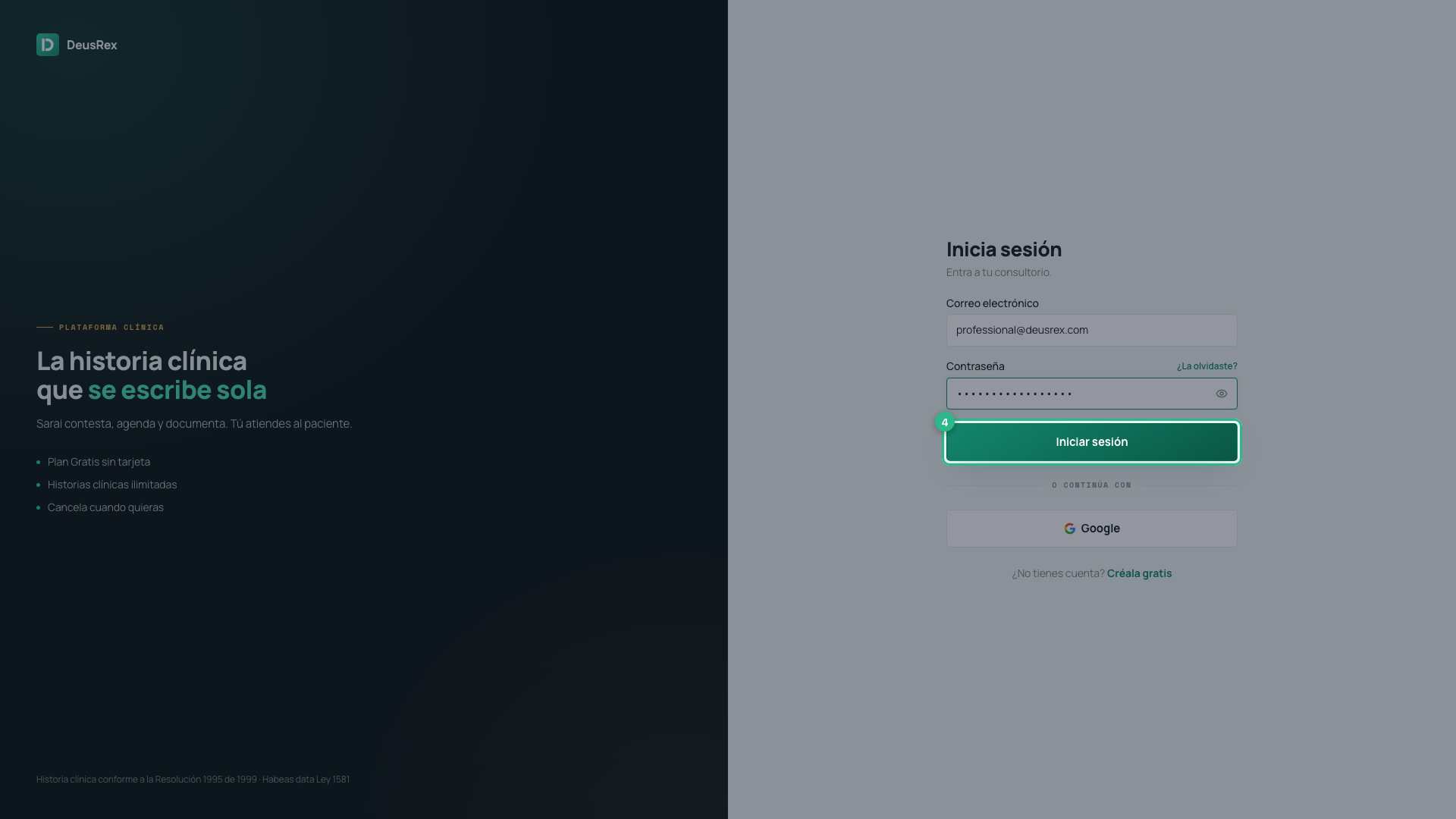
Type your password. Press the eye on the right of the field to see it.
-
Press Sign in.
With Google
Press Google under the form. It only works if you created the account with Google; if you created it with an email and password, use the form.
If you leave the dashboard open
After 30 minutes without activity the session closes on its own, so nobody reads a record on a computer left open. A minute before, the «¿Sigues ahí?» warning appears: press Seguir conectado to carry on. Working in another DeusRex tab counts as activity, and so does recording with the scribe or dictation.
If something goes wrong
- “That email and password do not match” — check both fields. The message is the same whether the email has no account or the password is wrong. That is deliberate: it stops anyone using this screen to find out who has an account here.
- You forgot the password — press Forgot it? beside the field. See How to recover your password.
- You have no account yet — press Create one free at the foot. See How to create your account.