How to decide who sees clinical records
By default, any professional in your clinic can open any patient’s record. If you would rather each one sees only their own patients, change it in Equipo. That is what Res. 1995 of 1999 asks: the record is read by whoever takes part in the patient’s care.
Before you start
You need permission to manage the team (administrators have it).
Steps
- Open Equipo in the menu.
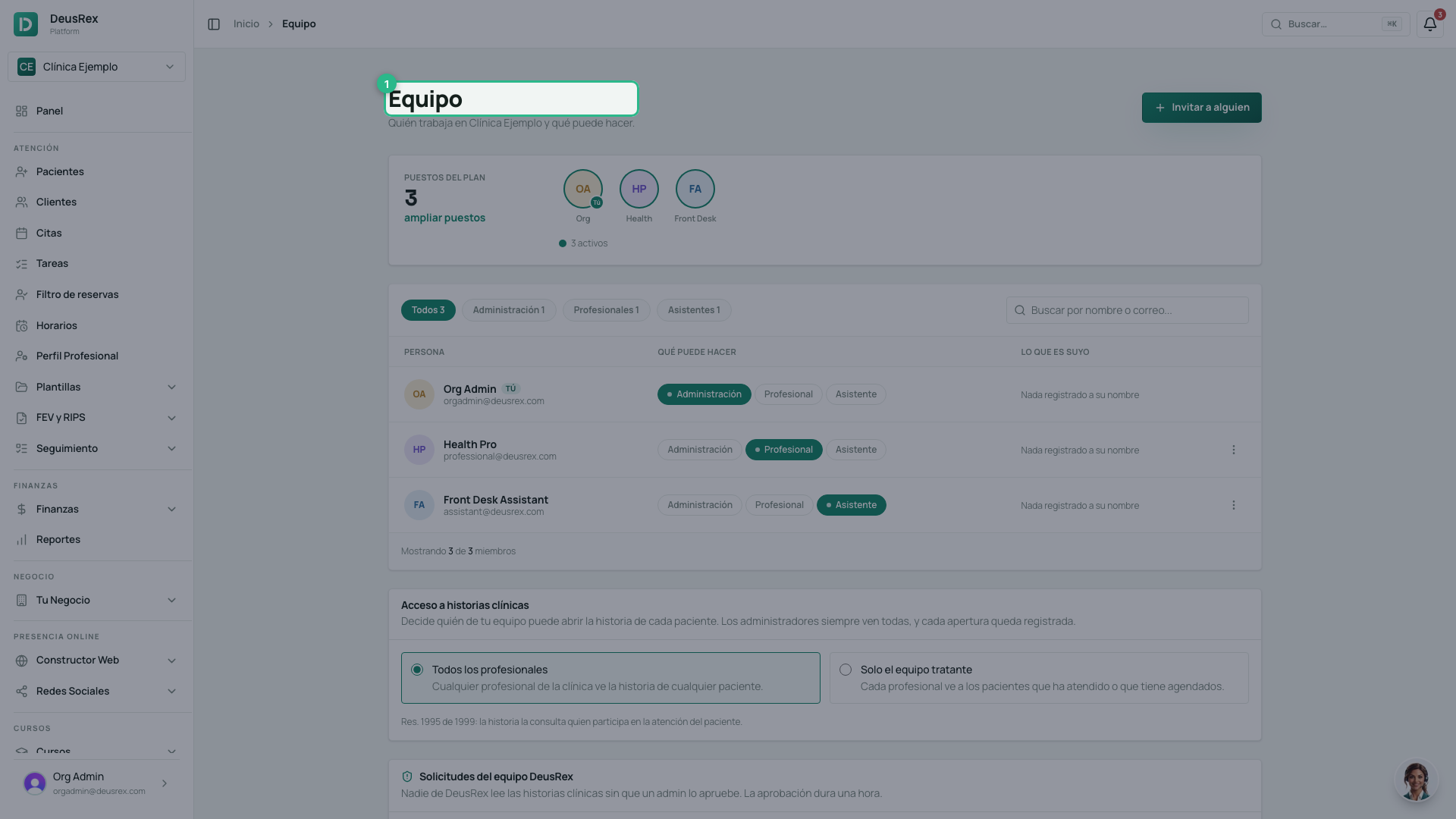
- Scroll down to the Acceso a historias clínicas card.
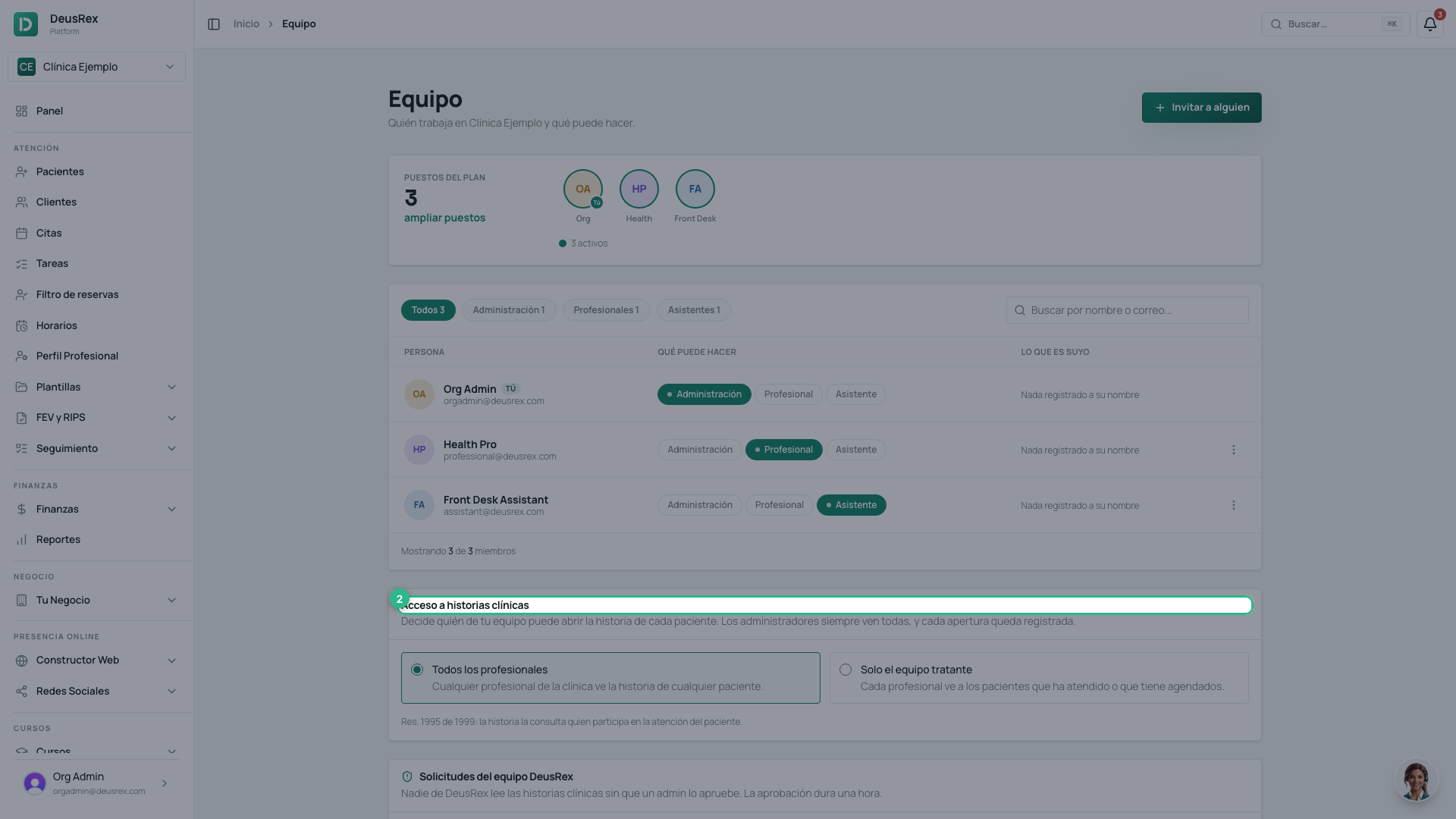
- Choose Solo el equipo tratante. It saves at once and you see «Cada profesional ve solo a sus pacientes».
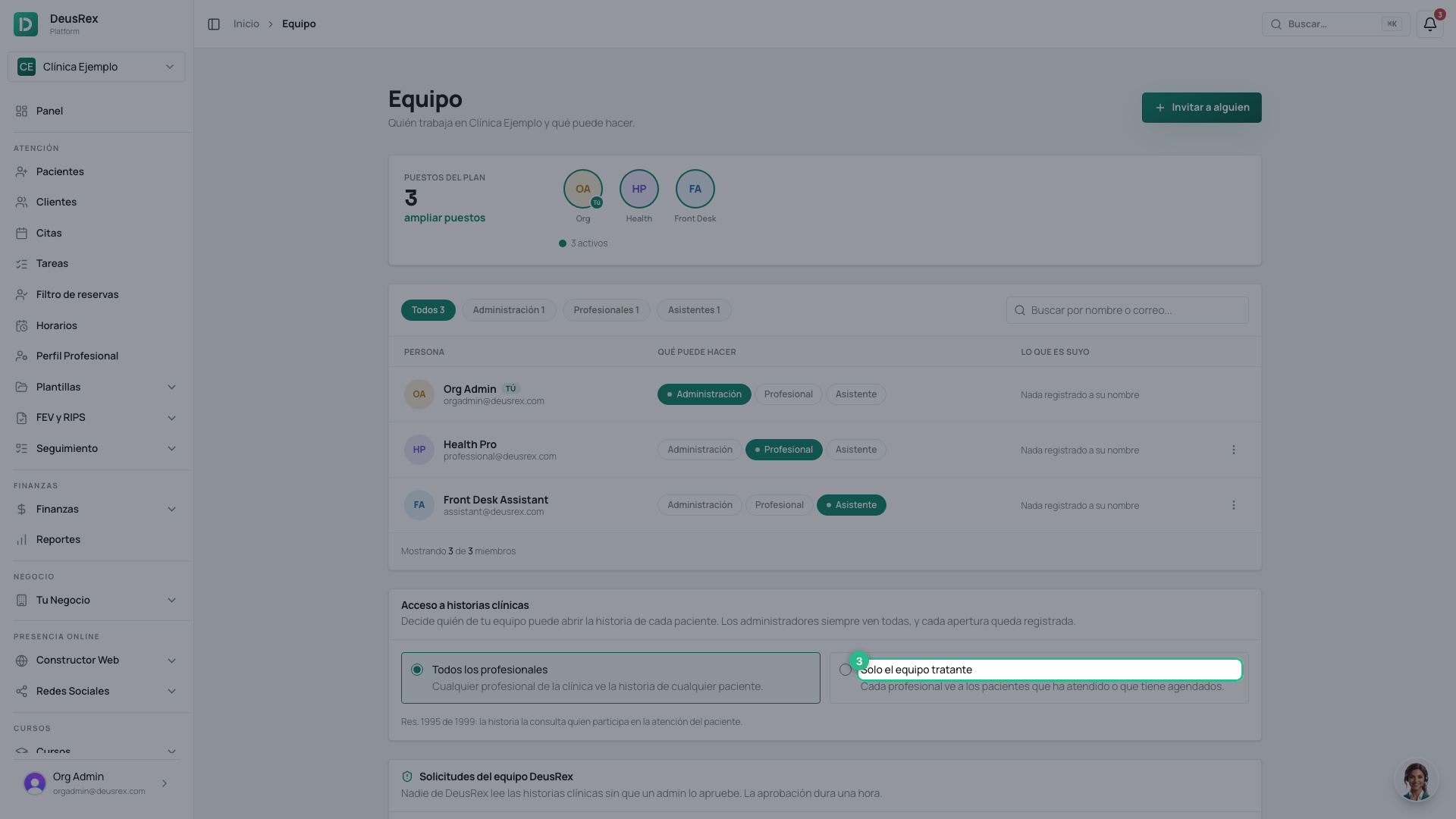
To go back to the open rule, choose Todos los profesionales.
Who the care team is
A professional sees a patient’s record if they wrote one of the patient’s consultations, or have or had an appointment with them. Cancelled, rejected and missed appointments do not count. Administrators always see every record.
What a professional outside the team sees
Instead of the record, the «Esta historia es del equipo tratante» notice appears, telling them they can ask the administrator for it. The same holds for the patient’s clinical PDFs, lab results, orders and AI summary.
Every time a record is opened, under either rule, it goes into the access log.